
More Features
Link Cloaking & Masking
What is Link Cloaking?
Link cloaking (also known as link masking, URL masking, or URL cloaking) involves concealing a destination by displaying the current landing page within an iFrame, keeping the actual URL hidden from the browser's address bar.
This technique proves particularly valuable in affiliate marketing, enabling marketers to obscure affiliate URLs from visitors.
You can combine link cloaking with vanity URLs, allowing any custom URL for the cloaked page using your domain through URL Shortify. This service functions as both a link shortener and cloaker, letting you display "custom short links" rather than affiliate links, thereby enhancing trust, brand identity, and click-through rates.
Quick Walkthrough
How to Use Link Cloaking in URL Shortify
- Navigate to URL Shortify > Links
- Create a New Link
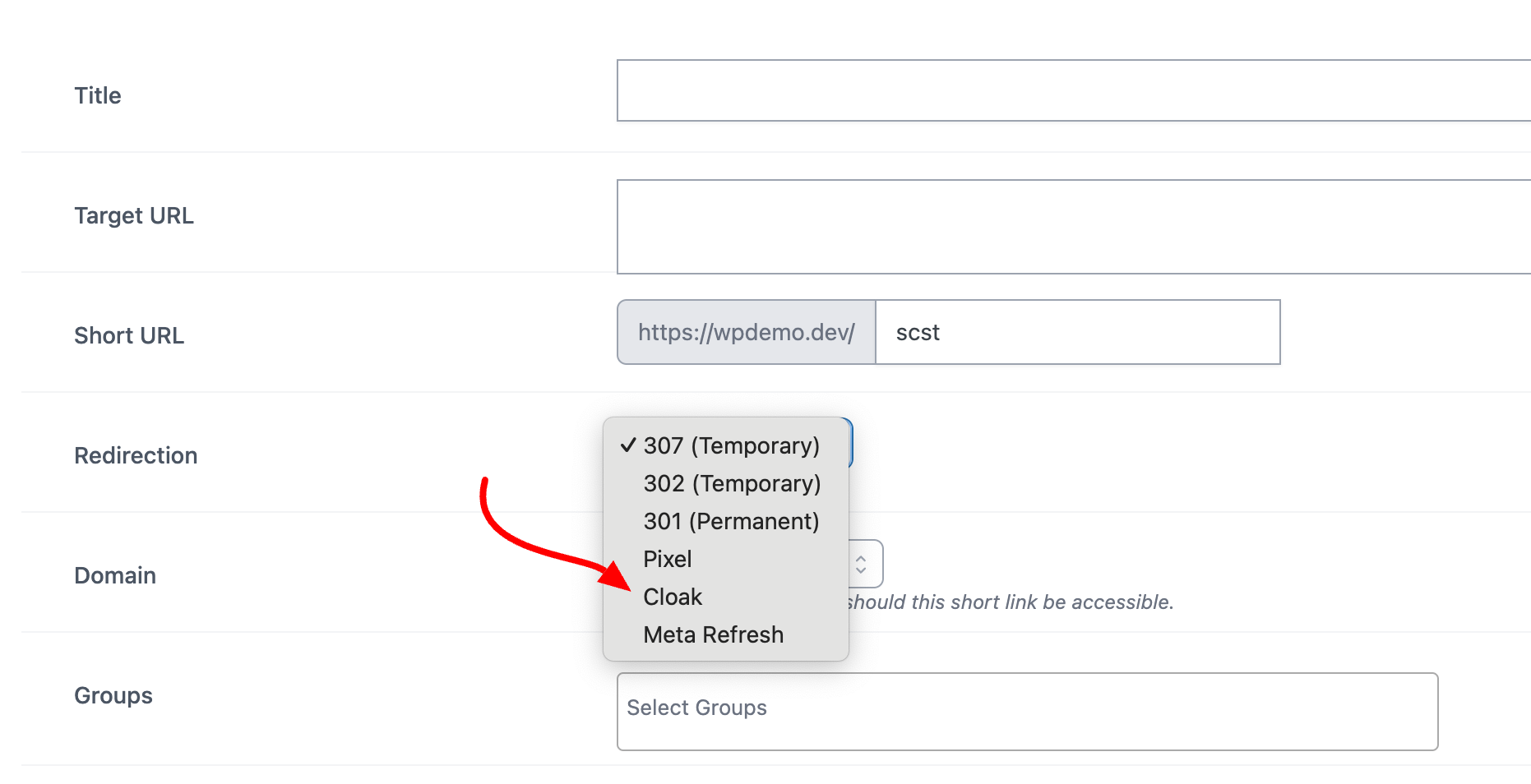
- Input Title & Target URL
- Choose Cloak as your Redirection type
Important Limitation
Many modern websites block cloaking by preventing iFrames from opening them. Destination sites can implement an X-Frame-Option meta tag, which when set to DENY or SAMEORIGIN, prevents browsers from opening cloaked links, rendering the technique ineffective.
Note: This feature requires URL Shortify PRO.