
How-To Guides
Profiles (Save, Load, Delete) (PRO)
Profiles let you save repeatable search/replace configurations.
What a Profile Stores
- Profile name
- Search value
- Replace value
- Selected tables
- Case-insensitive setting
- Replace GUIDs setting
Save a Profile
- Configure a search/replace setup.
- Enable Save as Profile.
- Enter Profile Name.
- Run search/replace.
Load a Profile
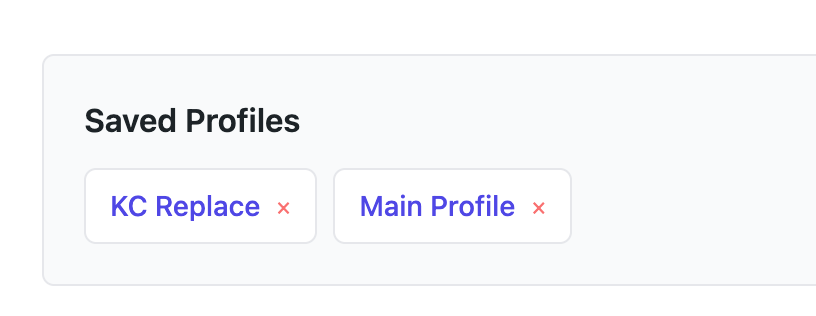
- Open the Saved Profiles section.
- Click a profile name.
- The form is pre-filled with saved settings.
Delete a Profile
- In Saved Profiles, click
xnext to the profile. - Confirm deletion by completing the action.
Recommended Use Cases
- Staging-to-production URL swaps
- Repeated client maintenance workflows
- Standardized agency migration playbooks